

Skeleton Screens That Actually Look Branded
How to design loading states that feel intentional, not like a placeholder. Include branded colors and meaningful structure.
Creating seamless transitions that guide users through your interface without feeling sluggish. Speed matters — we’ll show you why and how.
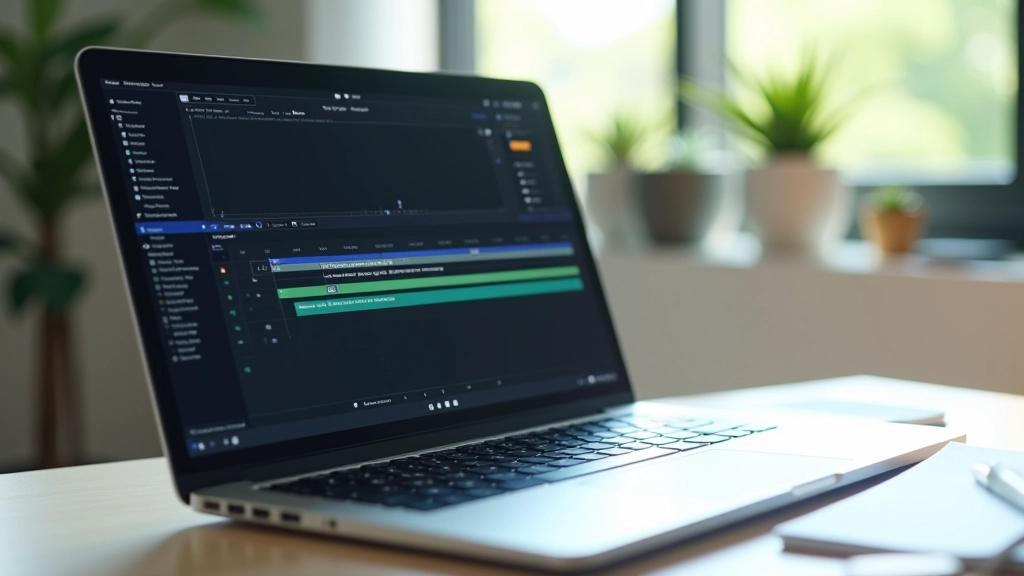
Users scroll through your site expecting fluidity. That’s not just nice to have — it’s expected. When you move from one section to another without guidance, people feel jarred. Their eyes don’t know where to look. But with the right transitions? They follow naturally. It’s like the difference between jerky camera cuts in a film and smooth pans that tell a story.
Singapore’s digital audience doesn’t have patience for sluggish interfaces. We’re talking about optimizing for speed while keeping things elegant. The transition should happen in 300-500 milliseconds. Quick enough that it doesn’t feel slow. Long enough that users actually notice the movement happening. That’s the sweet spot.
Most developers either skip transitions entirely or make them so slow they feel bloated. You need something in between — responsive, intentional, and genuinely quick.
The moment a user scrolls into a new section, something should shift. Not dramatically — just enough to register. You could fade in content, slide elements from the side, or shift colors gradually. The key is that it’s tied to user behavior, not arbitrary animation timings.
Here’s what works: Use Intersection Observer API to detect when an element enters the viewport. Once it does, trigger a CSS class that activates your transition. No JavaScript overhead, no janky calculations. Clean, efficient, responsive. Your 300ms fade-in starts exactly when the user needs to see it.
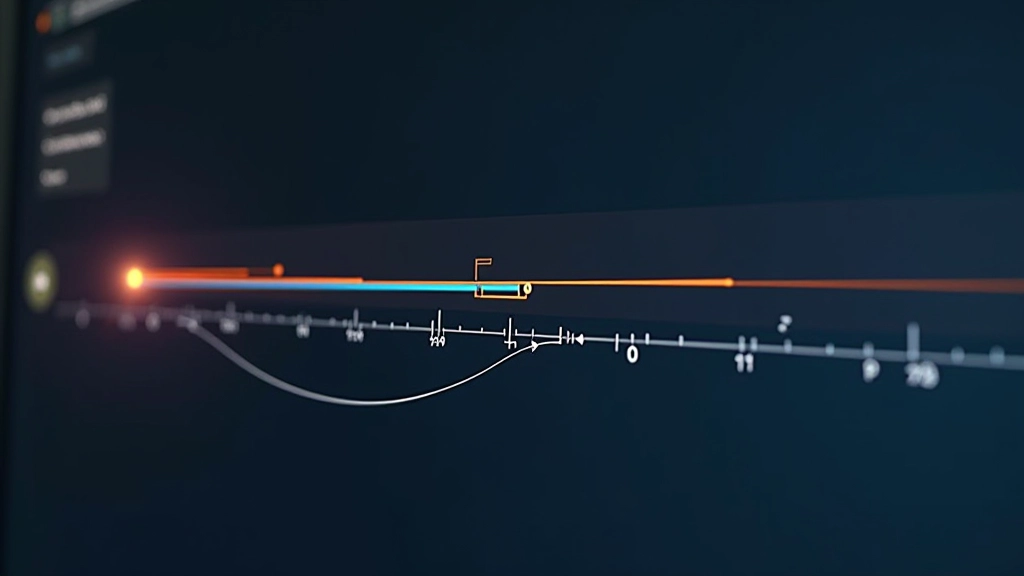

You’ll see developers use 800ms, 1000ms, even longer transitions. That’s way too slow for Singapore’s digital landscape. Users perceive anything over 500ms as sluggish. But here’s the nuance: different elements need different timings.
Text content might fade in at 350ms. Images could take 450ms. Background color shifts? 400ms works well. The stagger — where elements animate one after another in quick succession — creates rhythm. It’s not random timing. It’s orchestrated. When someone sees your section appear, the main heading arrives first, then supporting text, then the image. That progression feels intentional because it is.
We’ve tested this extensively. Users respond better to staggered reveals than simultaneous ones. The difference is subtle but measurable in engagement metrics.
This article provides educational information about micro-animation techniques and transition design principles. Implementation approaches vary based on your specific project requirements, browser support, and performance constraints. Always test transitions across different devices and network conditions to ensure they enhance rather than hinder the user experience.
Start simple. Add a fade-in transition to your main content sections. Test it at different scroll speeds. Notice how users interact with it. Does it feel quick enough? Does it guide their attention? That’s your baseline. From there, you can layer in more complexity — staggered reveals, color shifts, subtle scale changes.
The real skill isn’t in creating fancy animations. It’s in knowing when a transition adds value and when it’s just decoration. Singapore users are sophisticated. They notice when something feels polished. They also notice when it’s overdone. The goal is that sweet spot where everything moves with intention, nothing feels delayed, and the experience feels genuinely thoughtful.
Build your transitions first as CSS. Test them without JavaScript. Only add complexity if you genuinely need it. Keep durations between 300-500ms. Let scroll behavior trigger the animations. That’s the formula that works.